Region, quantity, and wholesale pricing explained
Understand region labels, quantity rules, and when a DunginX wholesale price applies.
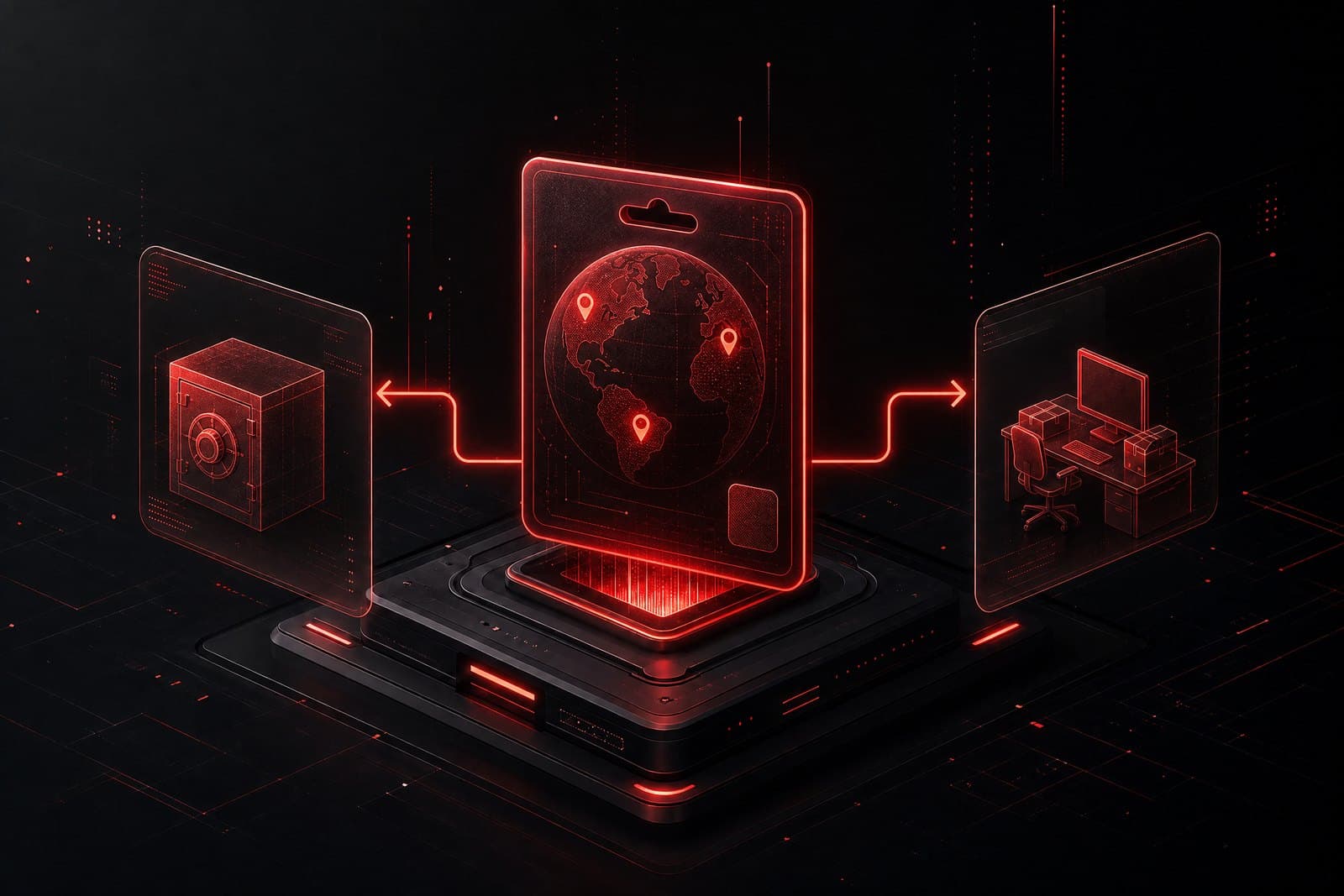
Region is part of the product
Region describes the supported market, currency, or account area for a listing. Match the product to the account or redemption environment before buying. When a listing is Global, check the product details and the relevant publisher or service rules rather than assuming unrestricted use.
Quantity controls the price
A product with wholesale pricing applies its lower unit price only when the requested quantity reaches the configured minimum and remains within the maximum. The final decision happens on the server and is stored in the order snapshot with the effective unit price and pricing type.
If the price looks different
Do not rely on a screenshot or a stale cart. Refresh the product, review the checkout summary, and contact Support if the server rejects a quantity or the final order does not match the listing rules.
Was this guide helpful?
Your feedback helps the DunginX team improve the knowledge base.